What device are you on?
Choose your phone or computer.
iPhones can cast using AirPlay or screen mirroring depending on your TV or streaming device. Choose what you're casting to below.


Sadly, iPhone does not reliably support direct Chromecast casting from the browser. The easiest options are:


iPhones can cast using AirPlay or screen mirroring depending on your TV or streaming device. Choose what you're casting to below.

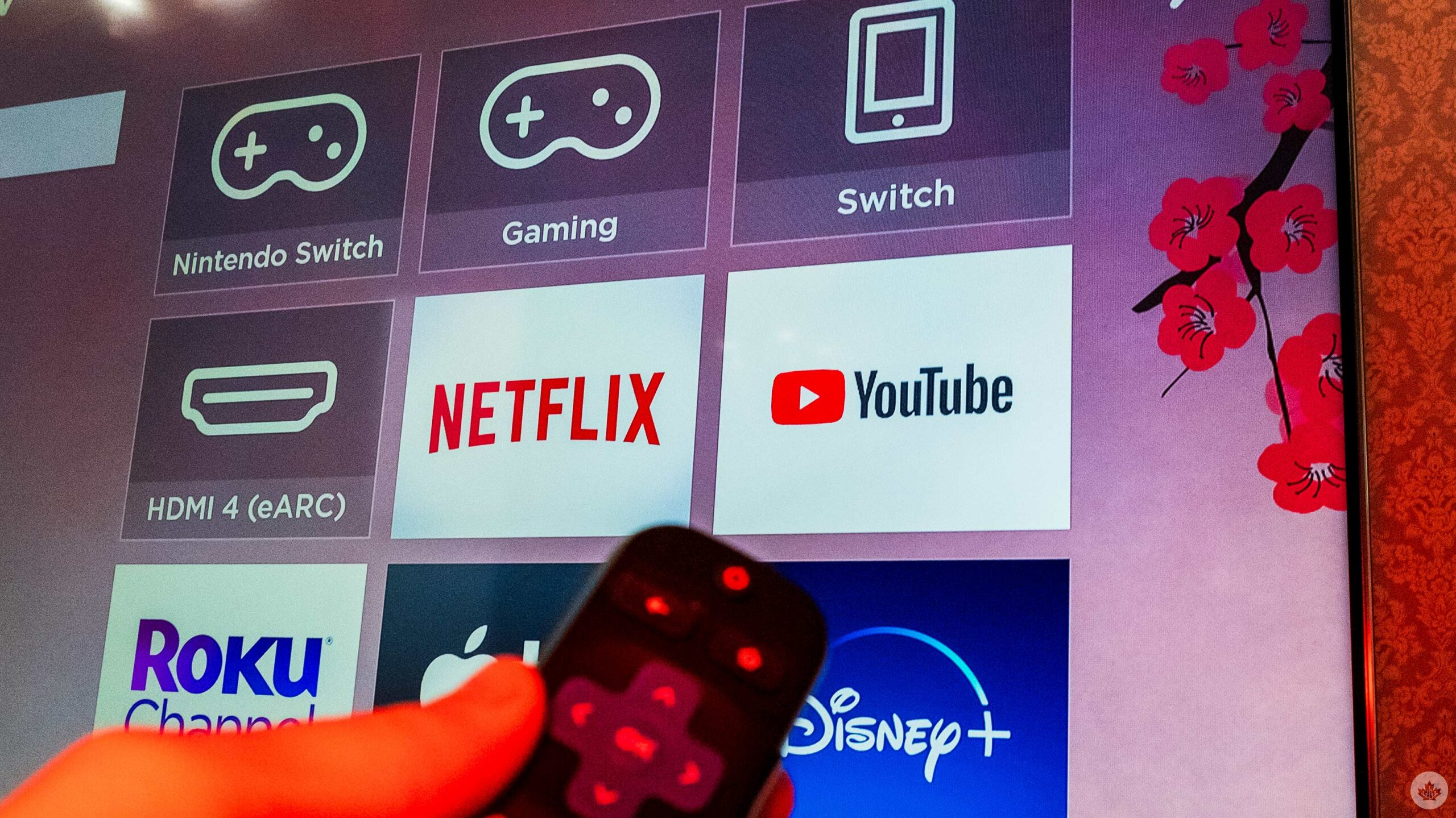
Don’t see your Roku?
Make sure:
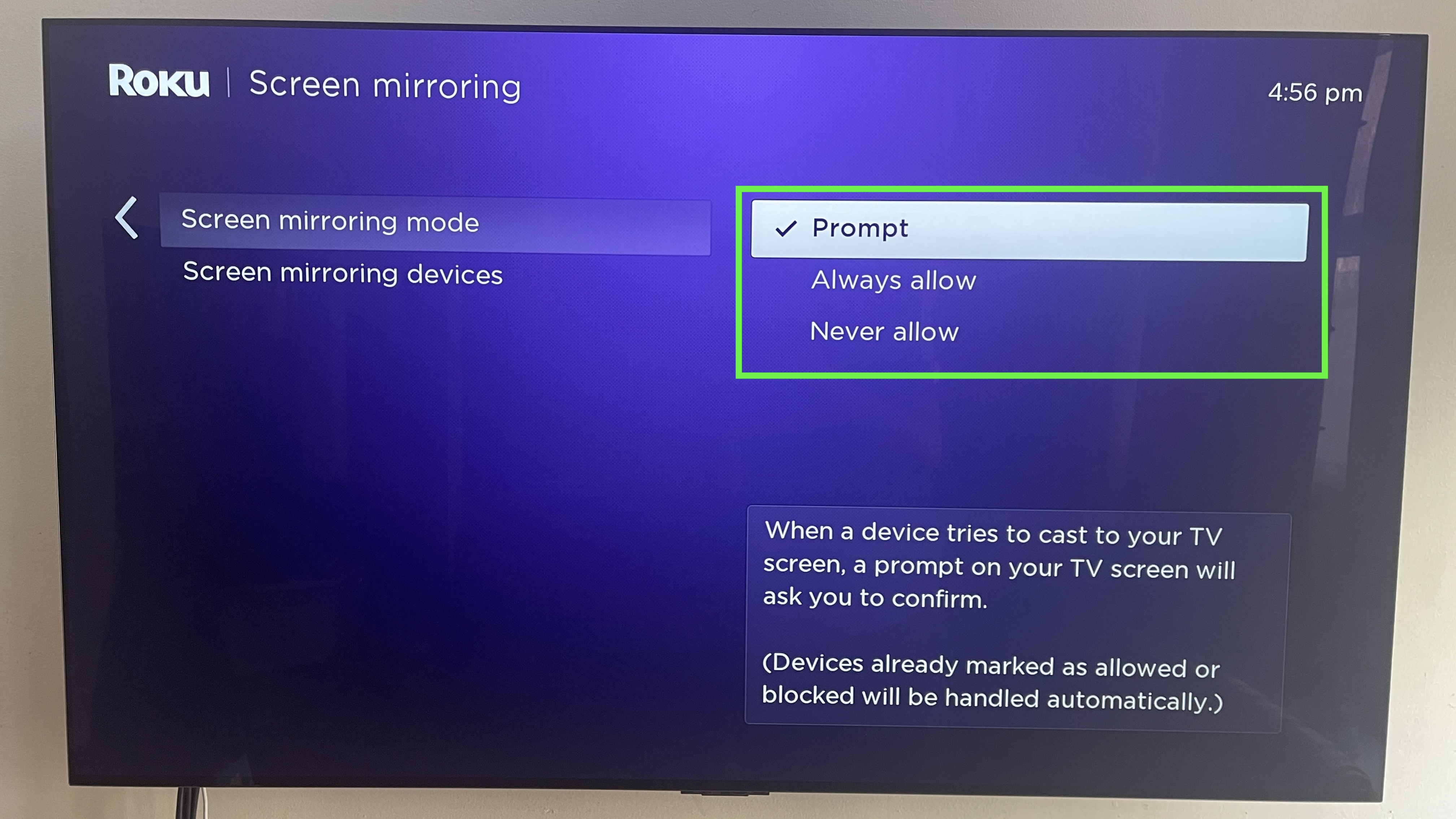
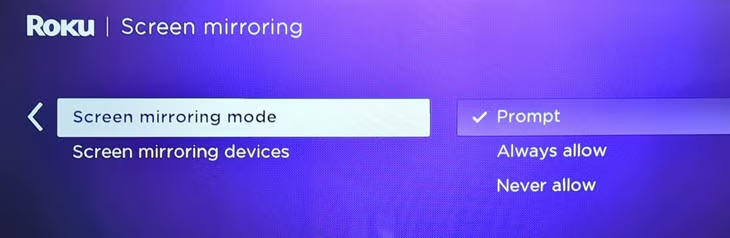
• Screen mirroring or casting is enabled on your Roku
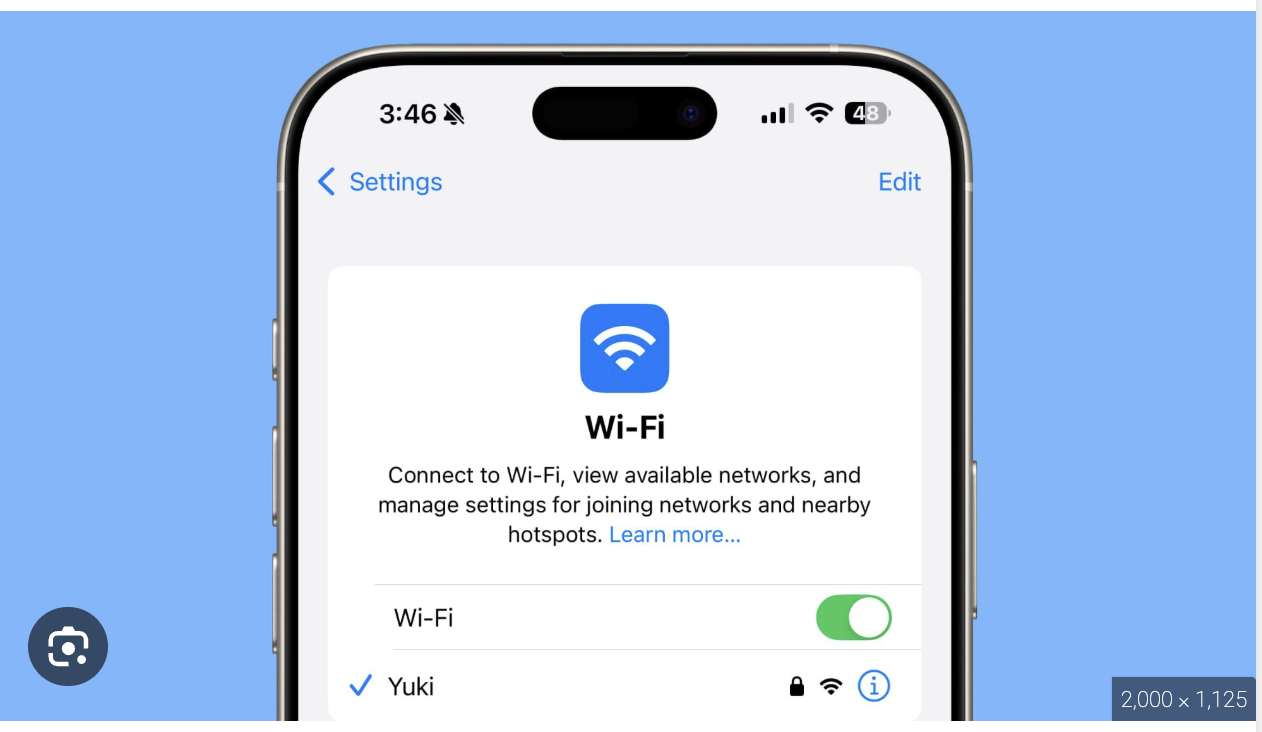
• Your phone and Roku are on the same Wi-Fi network
• Your Roku software is up to date
• The movie is already playing before you tap Cast
• Still no luck? Contact us HERE

Don’t see your Chromecast?
Make sure:
• Your phone and Chromecast are on the same Wi-Fi network
• Your Chromecast or Google TV is powered on and connected
• The Google Home app is installed and your device is already set up
• The movie is already playing before you tap Cast
• Still no luck? Contact us HERE
J/k Apple would never let this happen.
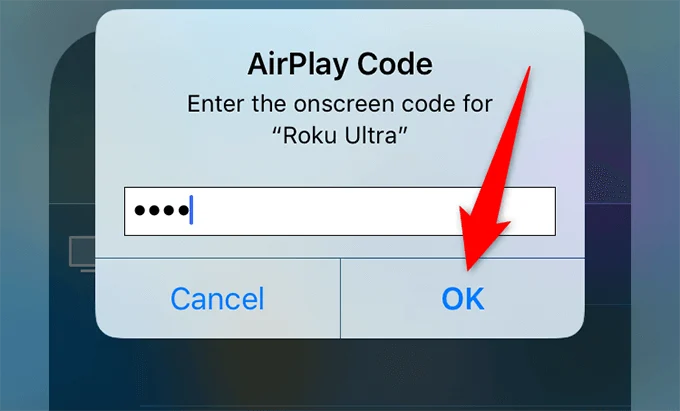
iPhones can cast using AirPlay or screen mirroring depending on your TV or streaming device. Choose what you're casting to below.

Don’t see your Roku?
Make sure:
• Your Roku supports AirPlay
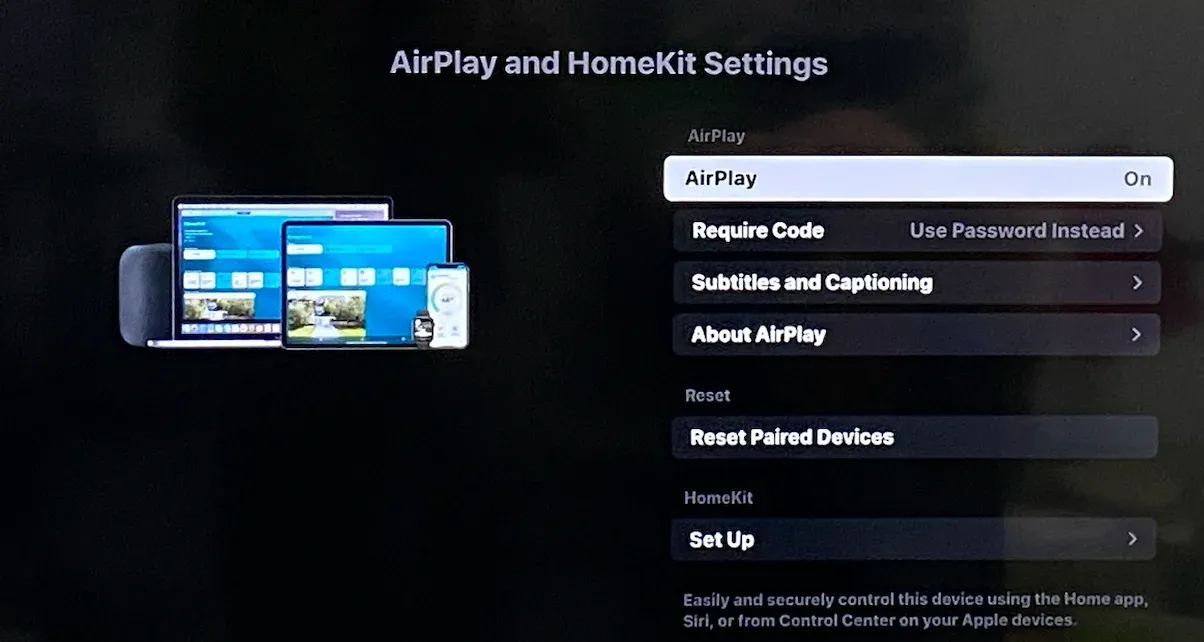
• AirPlay is enabled in your Roku settings
• Your Mac and Roku are on the same Wi-Fi network
• Your Roku software is up to date
• Still no luck? Contact us HERE


Don't See Your Chromecast?
Make sure:
• Your Mac and Chromecast are on the same Wi-Fi network
• Your Chromecast or Google TV is powered on and connected
• Google Chrome is up to date
• The movie is already loaded before you click Cast
• Still no luck? Contact us HERE

Don’t see your Apple TV?
Make sure:
• Your Mac and Apple TV are on the same Wi-Fi network
• AirPlay is enabled on your Apple TV
• Your Apple TV is powered on
• Your Mac is updated to a recent version of macOS
• Still no luck? Contact us HERE
iPhones can cast using AirPlay or screen mirroring depending on your TV or streaming device. Choose what you're casting to below.


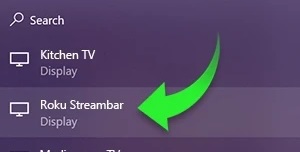
Don’t see your Roku?
Make sure:
• Screen mirroring is enabled on your Roku
• Your PC and Roku are on the same Wi-Fi network
• Your PC supports wireless display (Miracast)
• Your Roku software is up to date
• Try restarting both devices
• Still no luck? Contact us HERE


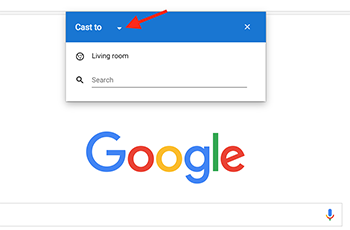
Don’t see your Chromecast?
Make sure:
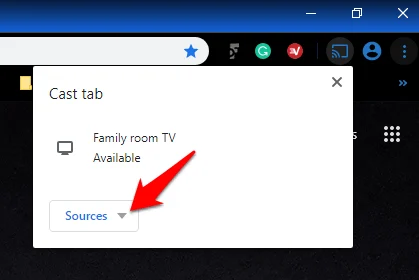
• Your PC and Chromecast are on the same Wi-Fi network
• Your Chromecast or Google TV is powered on and connected
• Google Chrome is up to date
• The movie is already loaded before you click Cast
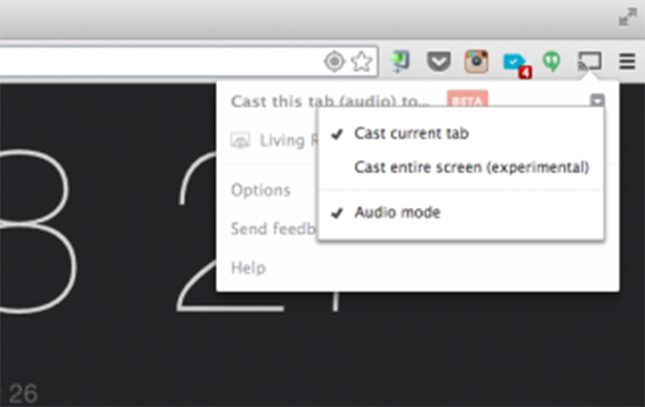
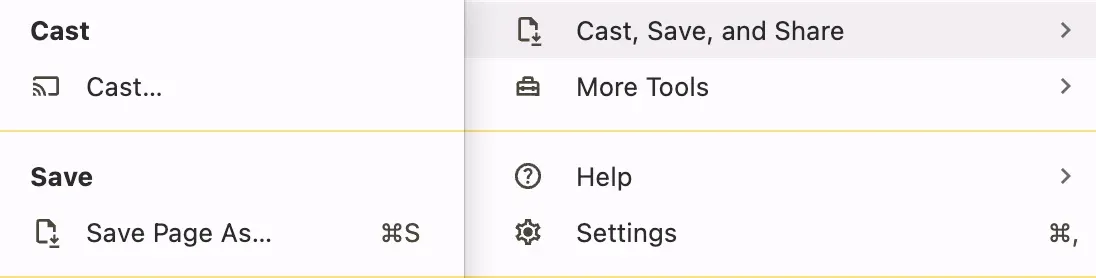
• Try refreshing the page and opening the Cast menu again
• Still no luck? Contact us HERE
‍
J/k Apple would never let this happen.
Still having trouble?If you’re not sure what device you’re using—or casting still isn’t working—we’ve got you. Contact us HERE and include the email you used to rent the movie along with the device you’re watching from.Once we confirm your rental, we’ll send you limited access to watch the film through the YouTube app instead.